
Dark Architecture Phone Wallpapers
Architecture · 18 wallpapers · newest first
Architecture is built space — corridors, towers, colonnades and sci-fi doors — framed for a phone. What ties them together is structure: lines, depth and a place your eye can walk into. Pick one when you want your lock screen to feel like a doorway.
Sized for a tall phone lock screen. Want the Architecture set on a monitor? See Architecture 16:9 wallpapers on TimeTravelWalls for Desktop.
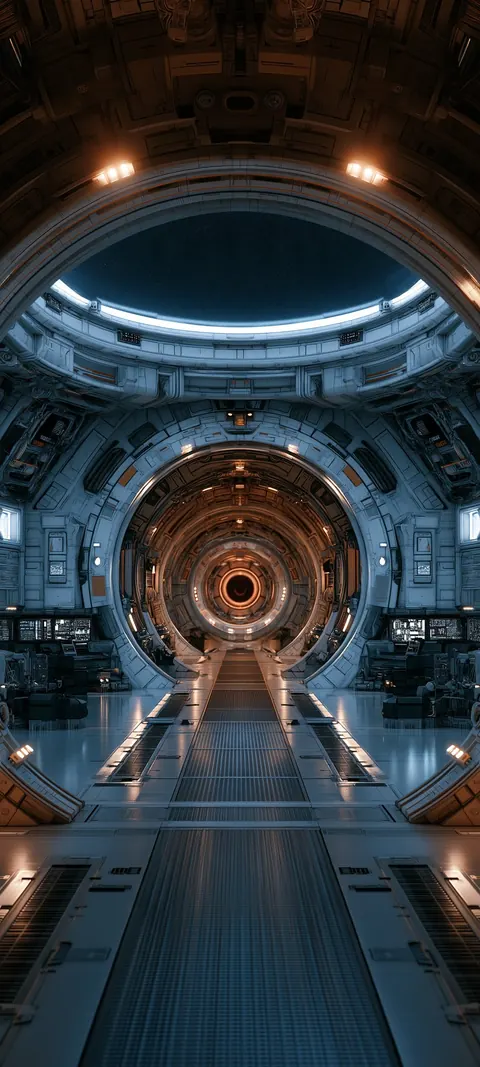
Orbital Hangar Passage
Orbital Hangar Passage — a fresh TimeTravelWalls original.

Neon Grid Metropolis
Neon Grid Metropolis — a fresh TimeTravelWalls original.
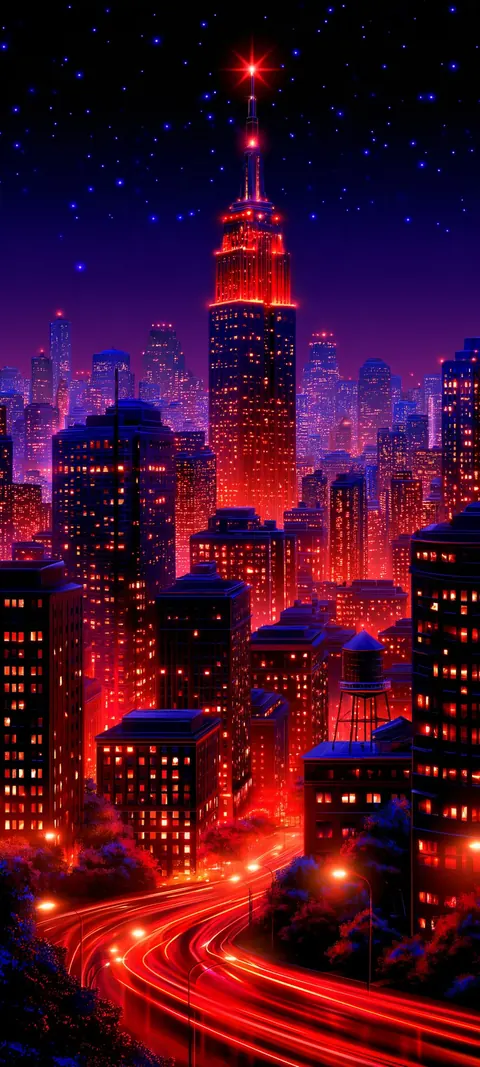
Crimson Spire Skyline
Crimson Spire Skyline — a fresh TimeTravelWalls original.
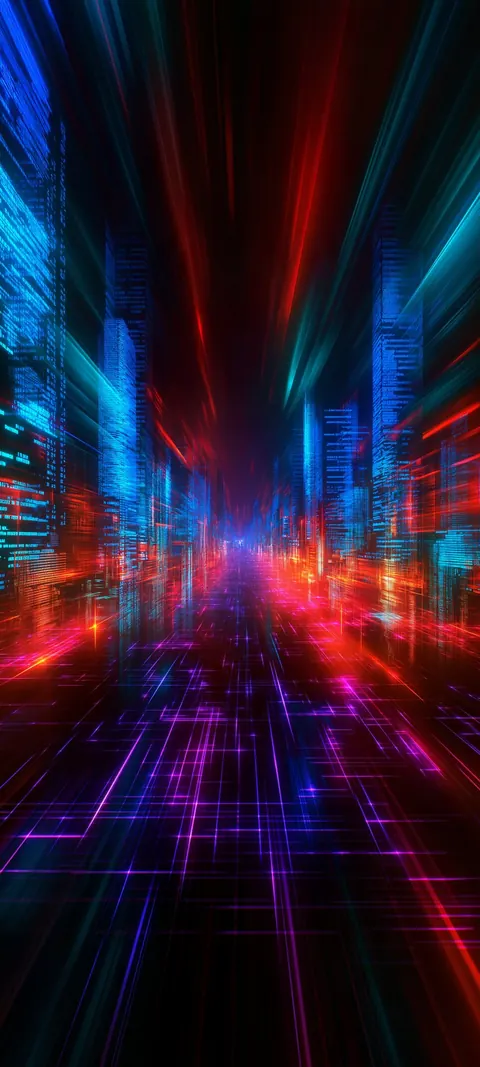
Neon Warp Boulevard
Neon Warp Boulevard — a fresh TimeTravelWalls original.
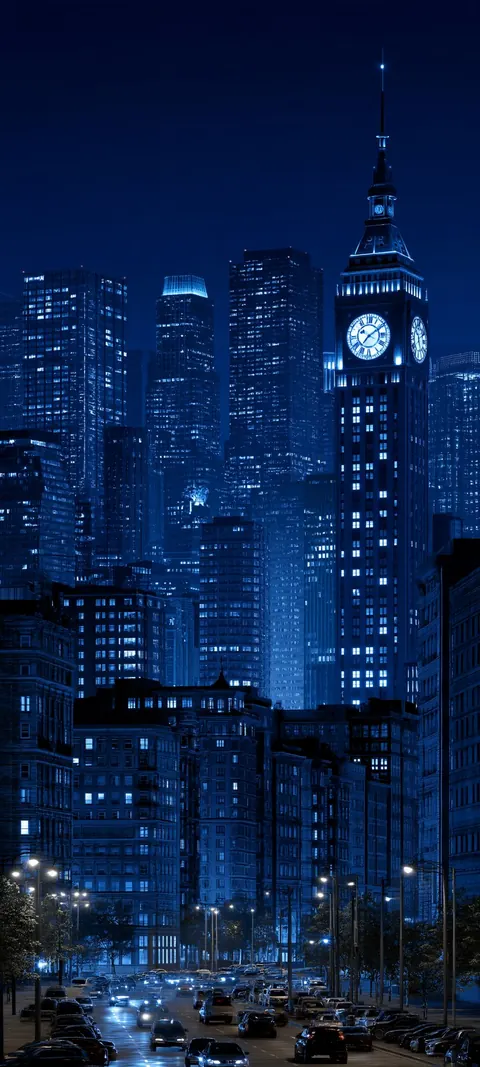
Cobalt Clocktower Night
Cobalt Clocktower Night — a fresh TimeTravelWalls original.
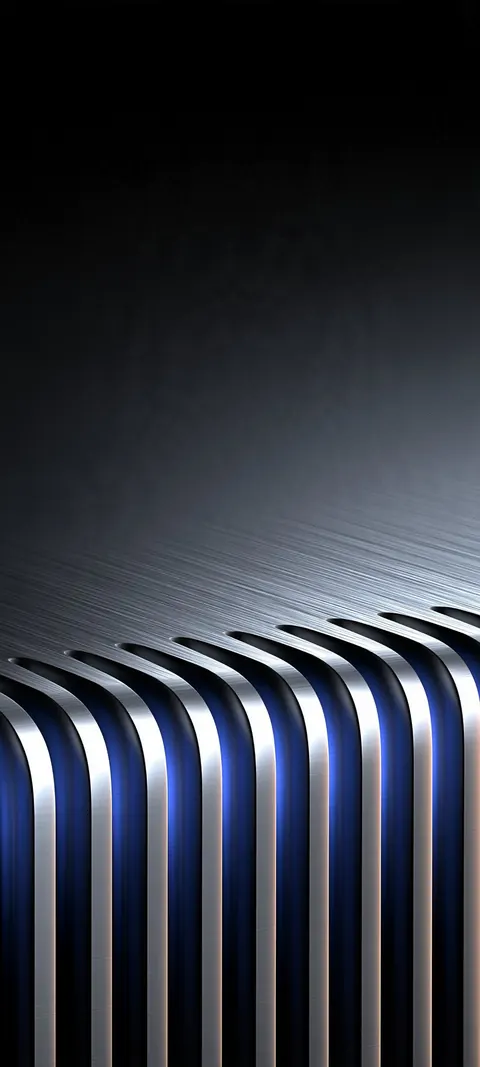
Frosted Chrome Colonnade
Frosted Chrome Colonnade — a fresh TimeTravelWalls original.
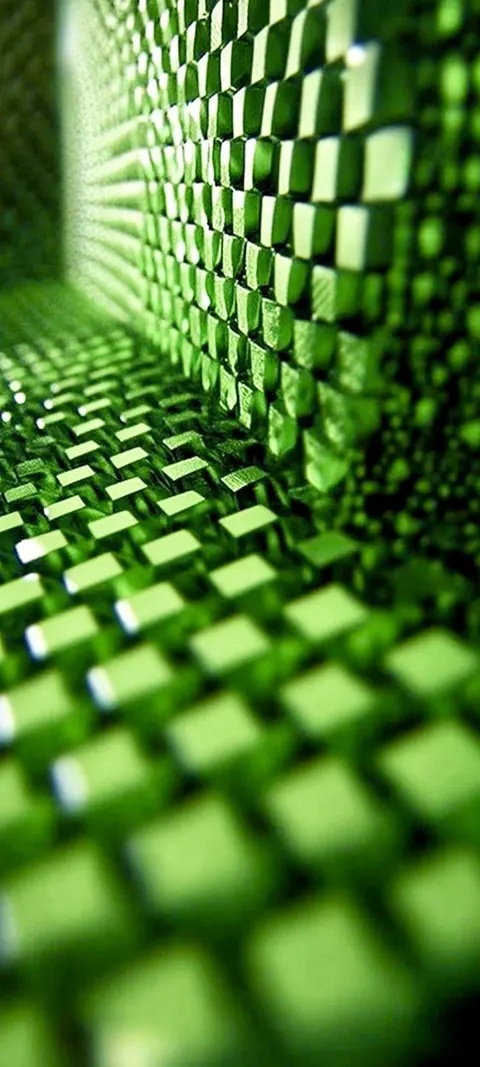
Emerald Keycap Corridor
Emerald Keycap Corridor — a fresh TimeTravelWalls original.
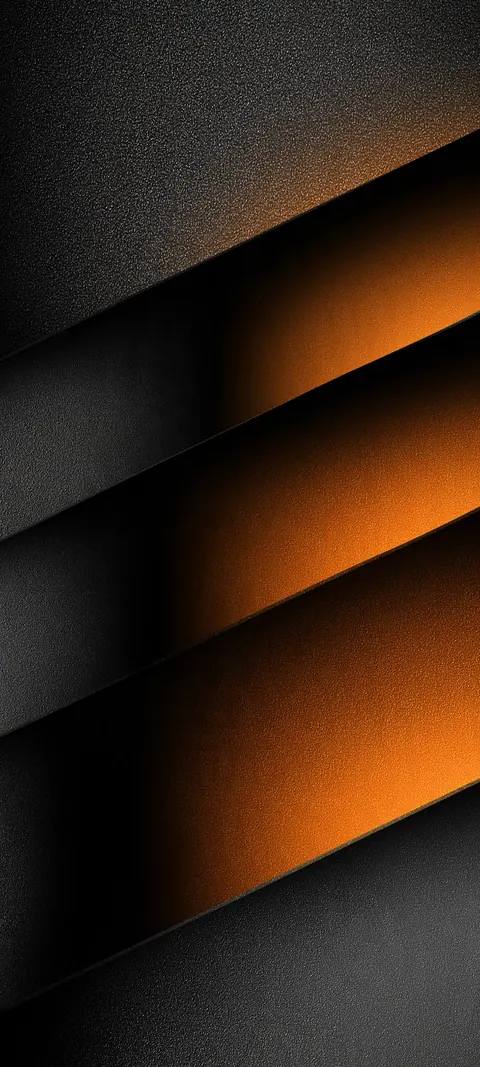
Amber Slate Bands
Amber light breaks through stacked slate bands.
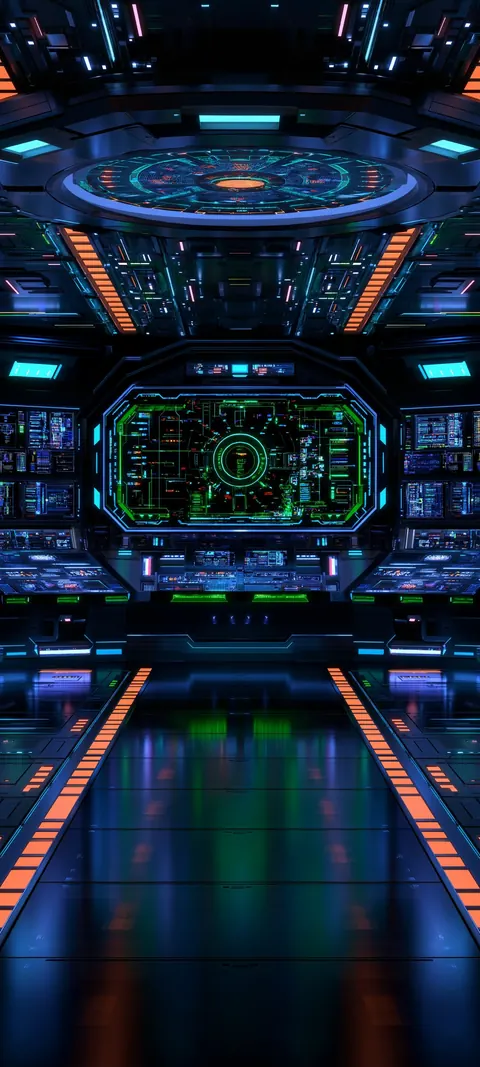
Neon Bridge Console
Neon bridge lights frame a command console.

Korean Roof Eaves
Painted roof eaves with warm traditional color.
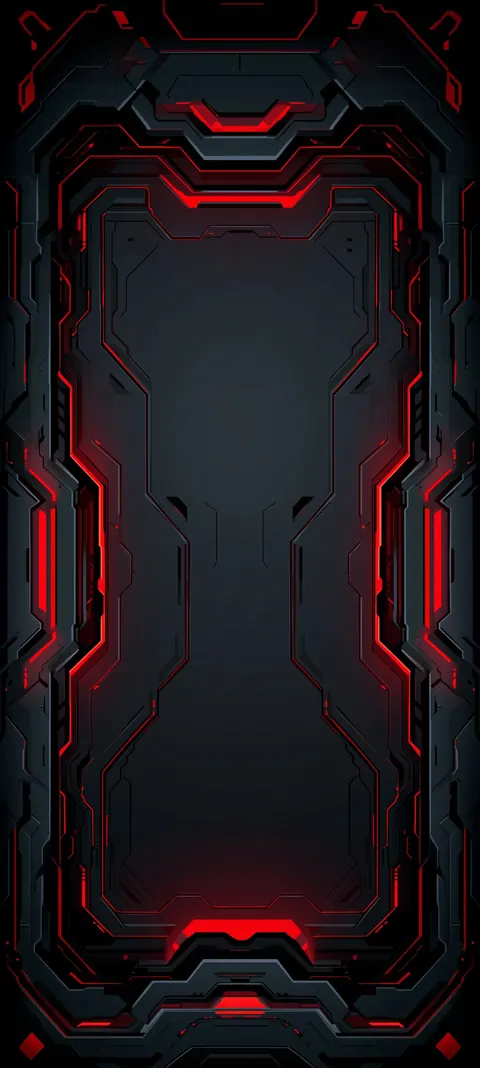
Crimson Threshold
Gray-red futuristic doorway with open dark sky.
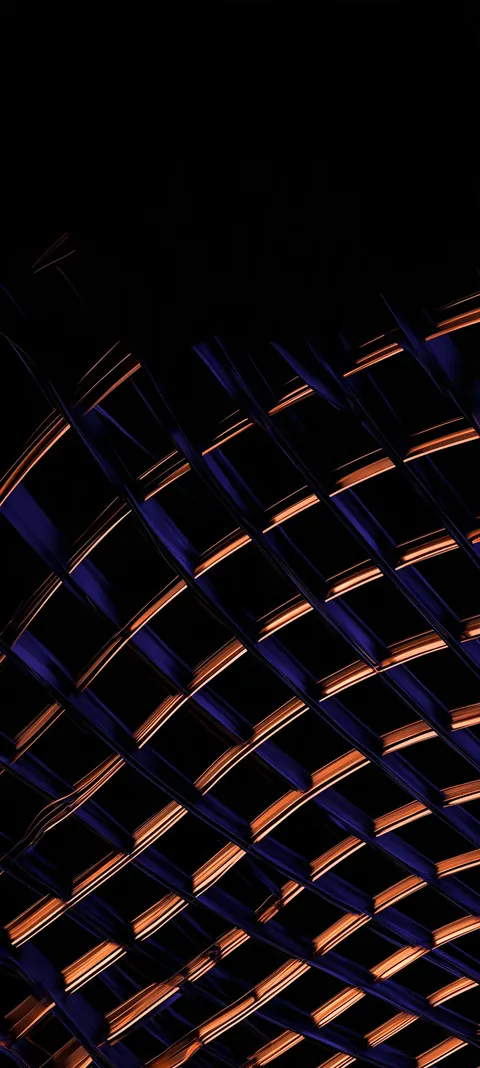
Transit Canopy
Suspended transit canopy in a silent void.

Teal Pillars
Teal light pillars rising from a salt plain.

Sapphire Planes
Angular cobalt facets with edge glow.
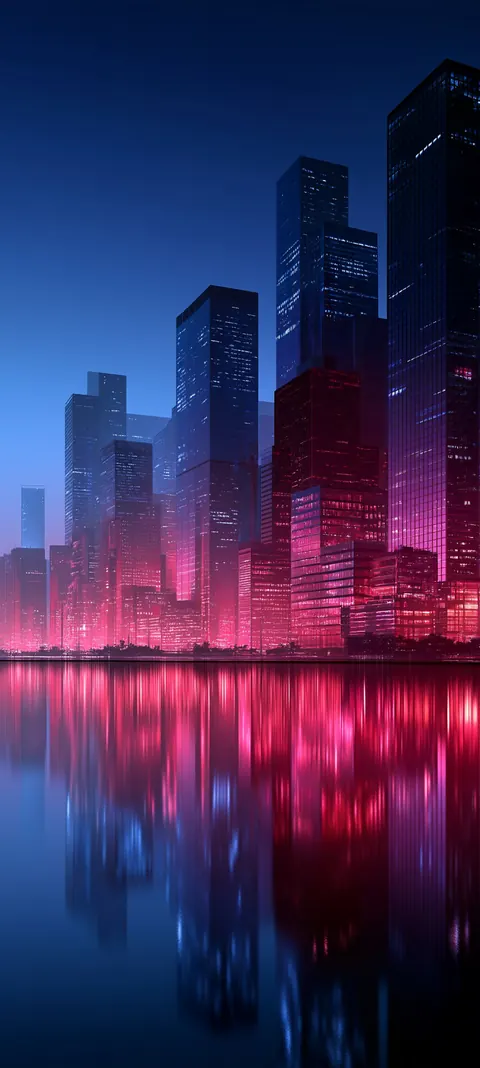
Neon Harbor
Pink skyline mirrored on still water.
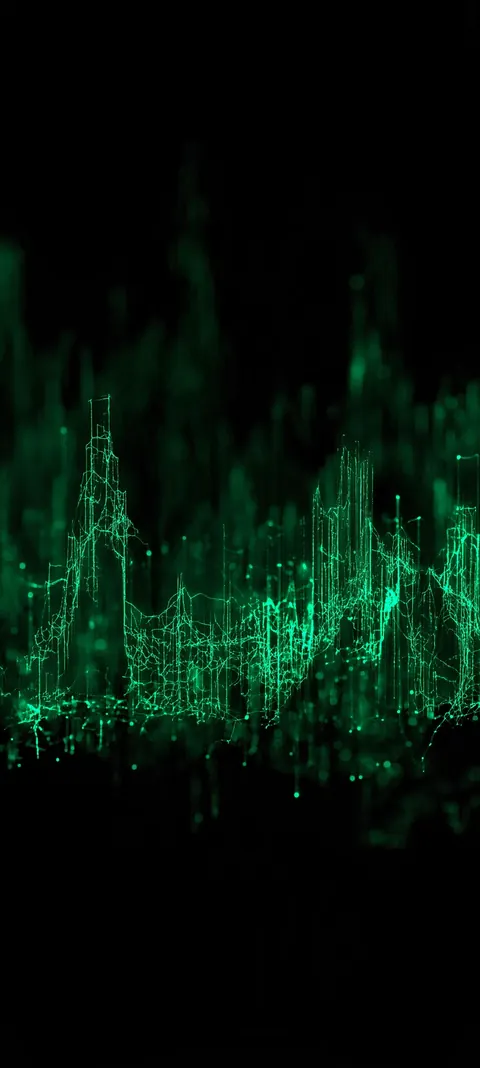
Cipher Skyline
Neon green data city on pure black.
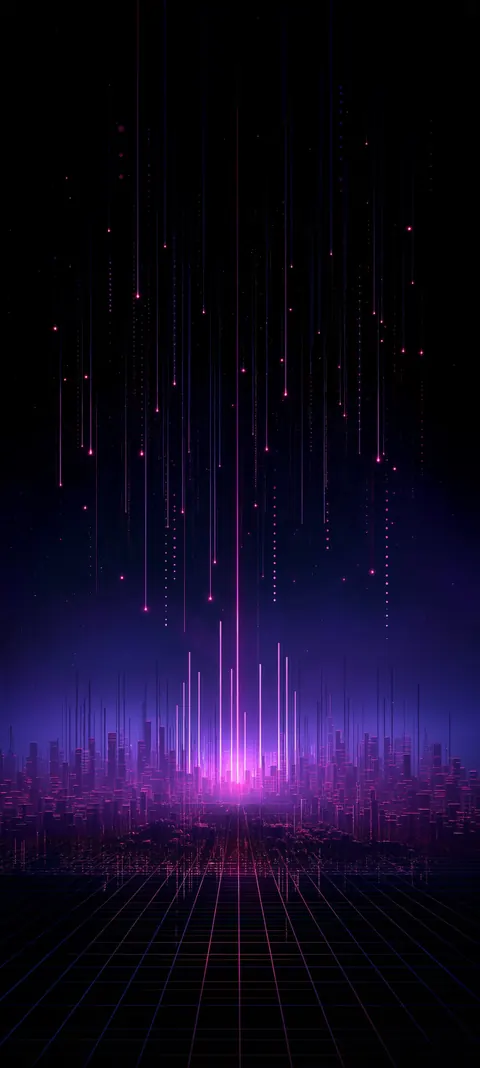
Pulse City
Violet skyline over a synthwave grid.

Cyan Portal
A glowing gate over a dotted field.
About these Architecture wallpapers
Architecture collects skylines, towers, bridges, corridors and old buildings, the kind of places with strong lines and a sense of scale. You will find neon cities at night, glass towers at dusk, misty pagodas and fortresses built into mountains.
Buildings give a wallpaper structure. Vertical lines frame the clock and icons neatly, and lit windows add plenty of detail without clutter. Every scene here is digital art made for screens, not a photograph of a real place, so no skyline is meant to be a specific city.
Every Architecture wallpaper here is a tall image made for a phone lock screen and home screen. Each one opens on its own page with a free download, its exact resolution and the screens it fits. Downloads are free, no signup, no watermark.
The newest Architecture wallpapers are always listed first, and new designs are added as they are made, so there is usually something fresh at the top of this page.
FAQ
What resolution are these wallpapers?
The downloads in this category are 864 × 1920, 1079 × 2400 or 1080 × 2400 pixels in a tall shape close to the 19.5:9 iPhone screen. That is high resolution, not 4K. Each wallpaper's own page lists its exact size and file size.
Can I use them for free?
Yes, for personal use as a phone wallpaper: free, no signup, no watermark. Please do not resell or redistribute the files. Read the license.
How do I set one as my iPhone wallpaper?
Open the wallpaper's page in Safari and tap Download. The file is saved to the Files app, in Downloads. Open it there, tap Share, then Save Image to add it to Photos. In Photos, open the image, tap Share, choose Use as Wallpaper, adjust the crop and tap Add.