
Architecture Desktop Wallpapers (16:9)
Architecture · 21 wallpapers · 16:9 · newest first
Architecture covers built places, some real-looking and some straight out of science fiction. You'll find corridors and blast doors, glowing skylines, a bridge sweeping across the water and cabins on a snowy shore. What ties them together is structure: lines, doorways and depth that pull your eye into the screen.
Sized for a wide 16:9 monitor. Want the Architecture set on your phone? See Architecture lock-screen wallpapers on TimeTravelWalls for Mobile.
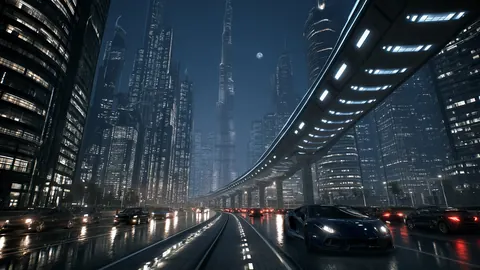
Fog Tower Skyway
Fog Tower Skyway — a fresh TimeTravelWalls original.
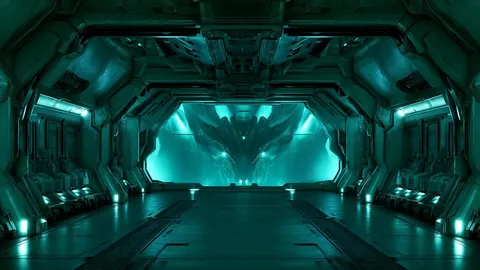
Teal Metal Corridor
Teal Metal Corridor — a fresh TimeTravelWalls original.
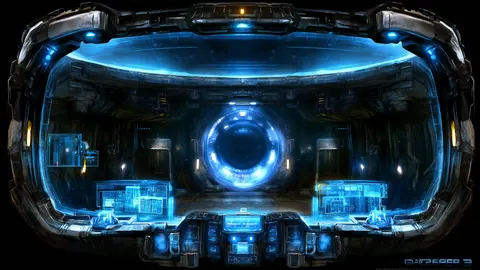
Cyan Cockpit Glow
Cyan Cockpit Glow — a fresh TimeTravelWalls original.
Cobalt Reactor Hall
Cobalt Reactor Hall — a fresh TimeTravelWalls original.
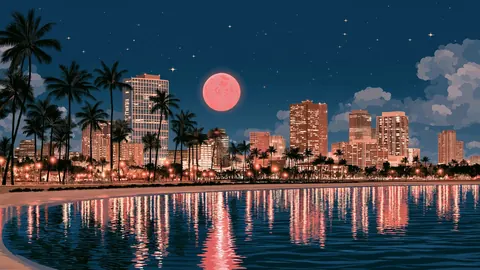
Palm Moon Harbor
Palm Moon Harbor — a fresh TimeTravelWalls original.
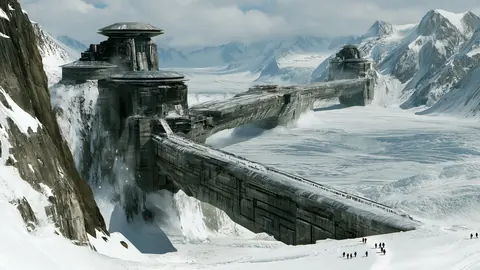
Stone Bridge Peaks
Stone Bridge Peaks — a fresh TimeTravelWalls original.
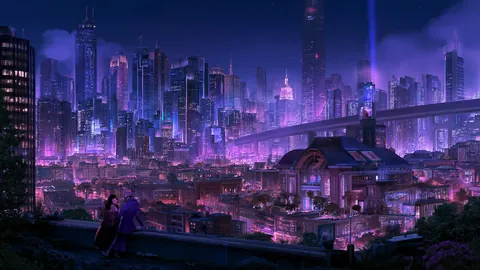
Violet Neon Skyline
Violet Neon Skyline — a fresh TimeTravelWalls original.
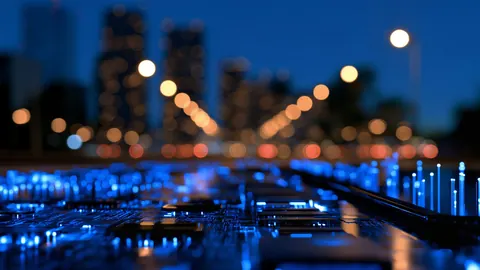
Circuit City Blur
Circuit City Blur — a fresh TimeTravelWalls original.
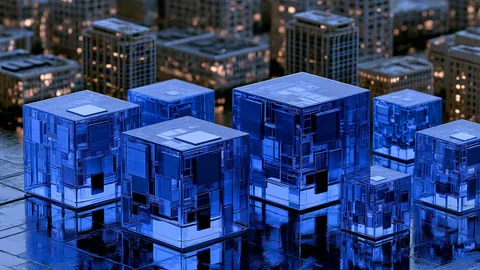
Glass Block Skyline
Glass Block Skyline — a fresh TimeTravelWalls original.
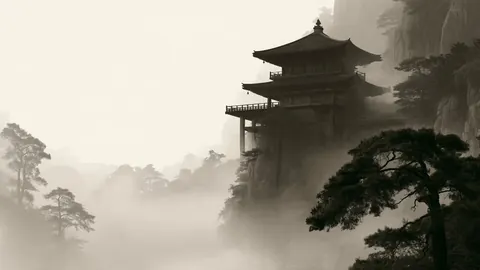
Sepia Pagoda Cliff
Sepia Pagoda Cliff — a fresh TimeTravelWalls original.
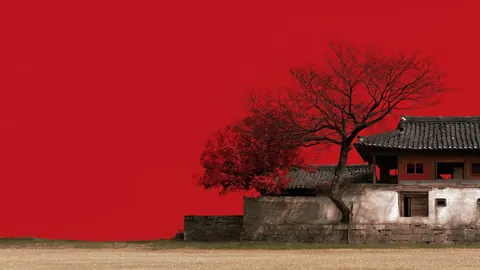
Vermilion Courtyard Bough
Vermilion Courtyard Bough — a fresh TimeTravelWalls original.
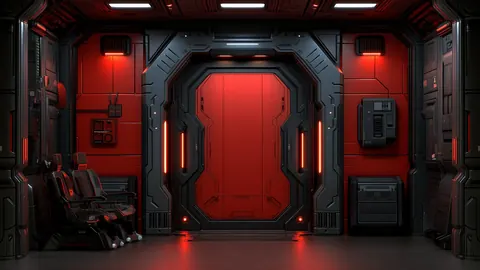
Crimson Vault Portal
Crimson Vault Portal — a fresh TimeTravelWalls original.
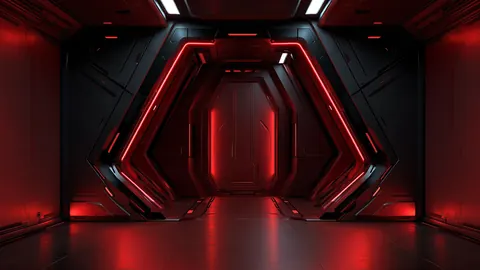
Crimson Airlock Gate
Crimson Airlock Gate — a fresh TimeTravelWalls original.

Neon Rift Corridor
Neon Rift Corridor — a fresh TimeTravelWalls original.

Midnight Hangar Glow
Midnight Hangar Glow — a fresh TimeTravelWalls original.
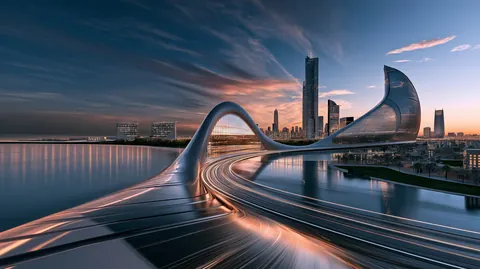
Velocity Horizon
Golden light trails racing a sleek coastal bridge into a sunset megacity.
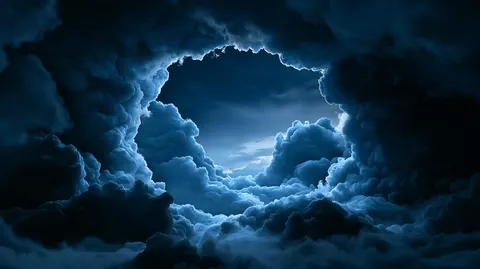
Azure Gateway
A circular breach through moonlit blue storm clouds.

Cyber Skyline
Futuristic skyline glowing under night haze.
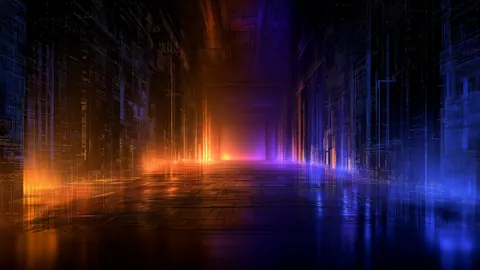
Cyber Corridor
Neon corridor vanishing into digital haze.
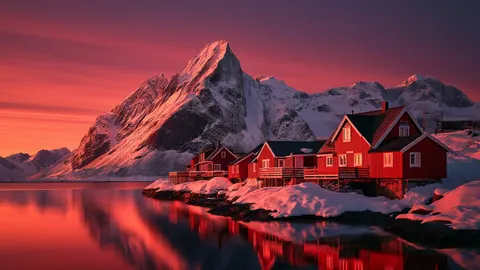
Arctic Cabins
Quiet cabins under arctic light.
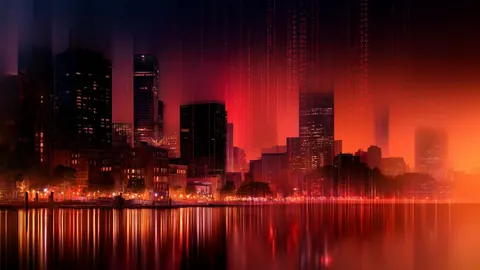
Matrix Skyscrapers
Abstract MATRIX skyscraper photograph.
About Architecture wallpapers
Architecture gathers the wallpapers built around structures: city skylines, elevated highways, corridors, hangars, bridges, fortresses and temples. Some sit in a future city, and others feel centuries old.
The style
Strong lines define this set. Towers rise straight up, roads and corridors pull the eye toward a vanishing point, and stone walls follow the shape of a mountain. Night scenes carry most of the color through lit windows, neon and headlights, while the older-world pieces lean on fog, snow and muted sepia tones.
The mood
The neon cities feel busy and electric. The corridors and hangars feel focused, almost like a cockpit view. The mountain fortresses and the misty pagoda slow everything down. Across the set, the common thread is scale: each image makes the viewer feel small next to something built.
Best uses
Architecture suits a workspace that likes order. Vertical and horizontal lines line up naturally with windows and toolbars, and a strong vanishing point draws the eye to the center of the screen, away from the icons at the edges. On a very wide monitor, the corridor and highway scenes keep their depth, and the skylines gain more city on each side.
Featured picks
- Fog Tower Skyway: an elevated highway running between dark towers, with headlights on wet pavement.
- Violet Neon Skyline: a dense violet city at night, seen from above the rooftops.
- Stone Bridge Peaks: a fortress and stone bridge cut into a snowy mountain pass.
- Sepia Pagoda Cliff: a pagoda on a cliff edge, fading into sepia fog.
- Azure Gateway: storm clouds parting into a round window of pale blue sky.
Azure Gateway also sits in the Nature set; a few wallpapers here overlap with Technology, too.
FAQ
What resolution are these wallpapers?
The downloads in this category are 1920 × 1080, 2912 × 1632 or 1920 × 1076 pixels in 16:9. That is high resolution, not 4K. Each wallpaper's own page lists its exact size and file size.
Can I use them for free?
Yes, for personal use as a desktop wallpaper: free, no signup, no watermark. Please do not resell or redistribute the files. Read the license.
How do I set one as my Mac wallpaper?
Download the wallpaper from its page. In Finder, Control-click the file and choose Set Desktop Picture. Or open System Settings, choose Wallpaper, scroll to Your Photos, click Add Photo and choose Choose File (or Choose Folder).