
Those desktop wallpapers, on your iPhone
This week’s story is four desktop posts from 𝕏, not a new set of phone prompts. The matching desktop journal has the full notes, and the desktop gallery is where you can download free widescreen walls today. This page is only about how those same ideas sit on a tall iPhone, or when you should leave them on the desk.
By The Time Traveler
This week is about the desk
Journals #1 through #4 were phone lessons: abstract favorites, nature and the elements, stars and planets, then short lock-screen prompts. I did not want to write another phone-prompt essay this week.
The four posts below are from my 𝕏 archive. The desktop journal has each prompt as I posted it, the like and bookmark counts (as of Nov. 6, 2026), and why those wide frames work on a monitor.
If you want a finished wall for a computer, go to the desktop gallery. It offers free futuristic 16:9 wallpapers built for a wide screen. Open any wall there for a free download, and follow the Telegram High Resolution post linked on that page for the larger file. The newest drops sit at the top; the page listed 23 walls added from Oct. 30, 2026, through Nov. 5, 2026, and that weekly list updates with each daily drop.
I copied the prompts below exactly as I posted them on 𝕏, then noted the ratio swap. The --ar 9:20 changes are my suggestion. They were not part of the original desktop posts.
What a tall screen needs that a desk does not
- Do not just crop. A wide image chopped into a tall strip often loses the bloom, the explosion, or the shared sky that made the desktop version work.
- Generate again at
--ar 9:20when you want a true iPhone wall. Keep the words that did the work; change only the frame. - Protect a quiet band at the top, including around the Dynamic Island, so the lock-screen clock stays readable.
1. The ribbed paper folds

Posted Dec. 29, 2023 · the post
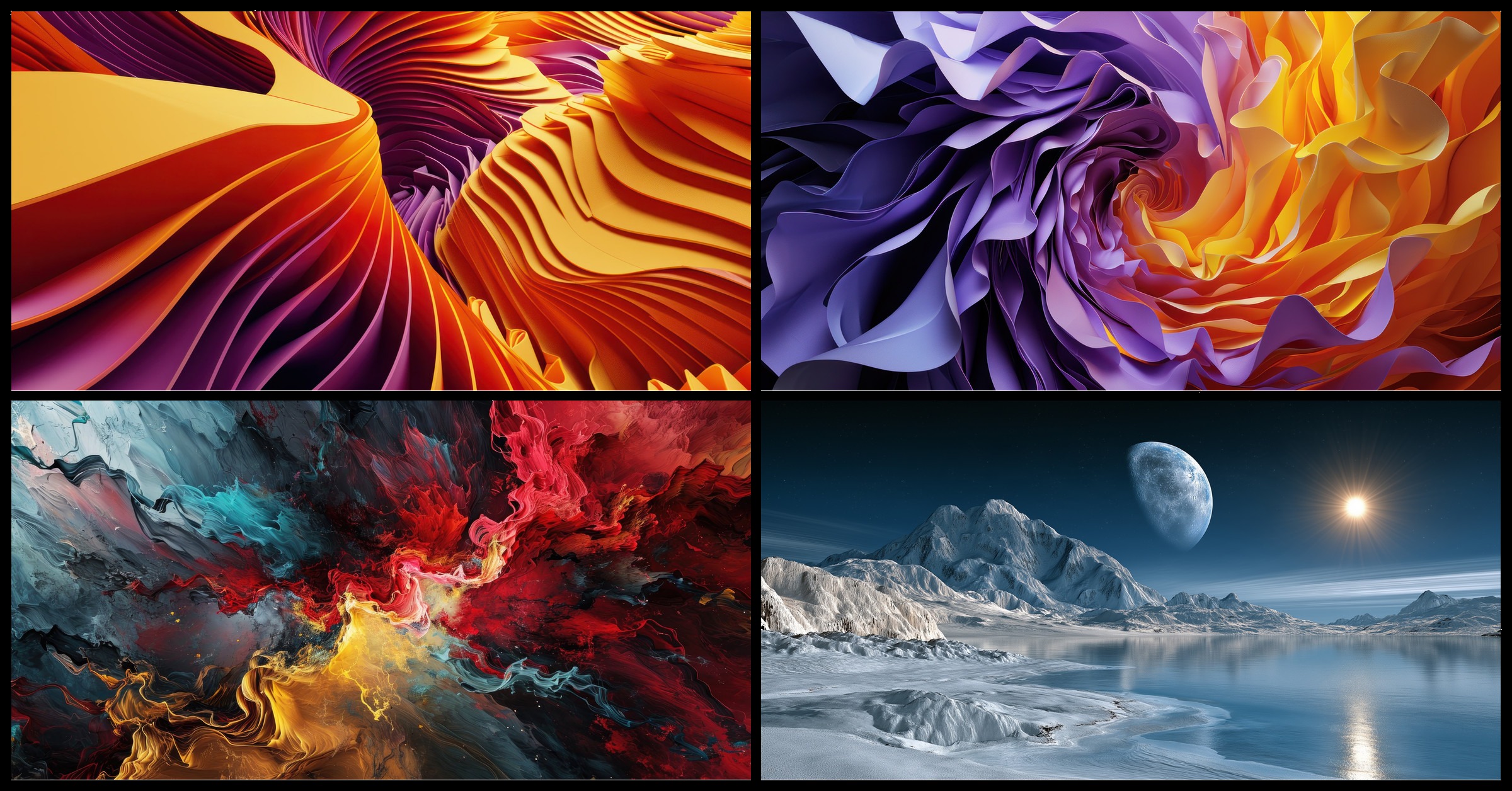
That wall is the paper itself: ribbed folds in gold, orange and violet.
Abstract paper artwork in modern abstract pattern, in the style of purple and amber, rendered in cinema4d, soft and rounded forms, filip hodas, sharp & vivid colors, colorful abstract expressions, vibrant, exaggerated scenes --ar 63:44 --v 6.0
On an iPhone: Replace --ar 63:44 with --ar 9:20 and generate the ribbed folds again. Leave the upper ridges a little darker or simpler so the clock has a place to rest.
2. The upsized paper bloom

Posted Jan. 9, 2024 · the post
This is the same recipe posted as an upsized laptop or desktop file: the bloom itself, violet spinning into amber and gold. The alt text used "Philip Hodas" and --v 6.
Abstract paper artwork in modern abstract pattern, in the style of purple and amber, rendered in cinema4d, soft and rounded forms, Philip Hodas, sharp & vivid colors, colorful abstract expressions, vibrant, exaggerated scenes --ar 63:44 --v 6
On an iPhone: Change only the ratio to --ar 9:20. The wide spiral becomes a tall one; keep "purple and amber" and "soft and rounded forms," which are the phrases that show up in the picture.
3. The painted explosion, with room for the clock

Posted Dec. 28, 2023 · the post
This was the strongest saver of the four desktop posts (129 likes and 116 bookmarks as of Nov. 6, 2026).
whats your favorite abstract painting?, in the style of rendered in cinema4d, flowing forms, hyper-realistic details, dark, foreboding colors, colorful explosions, realistic color schemes --ar 73:37 --v 6.0
On an iPhone: Keep the question and the dark-versus-bright split. Change only --ar 73:37 to --ar 9:20. The original wide frame parks the quieter teal smoke on the left, where desktop icons can sit. On a phone, that calm area wants to move to the top, so the explosion can bloom below the clock. You can say so in the prompt: "darker calm field at the top, colorful explosion lower down."
4. Moon and sun over a frozen lake

Posted Oct. 30, 2026 · the post
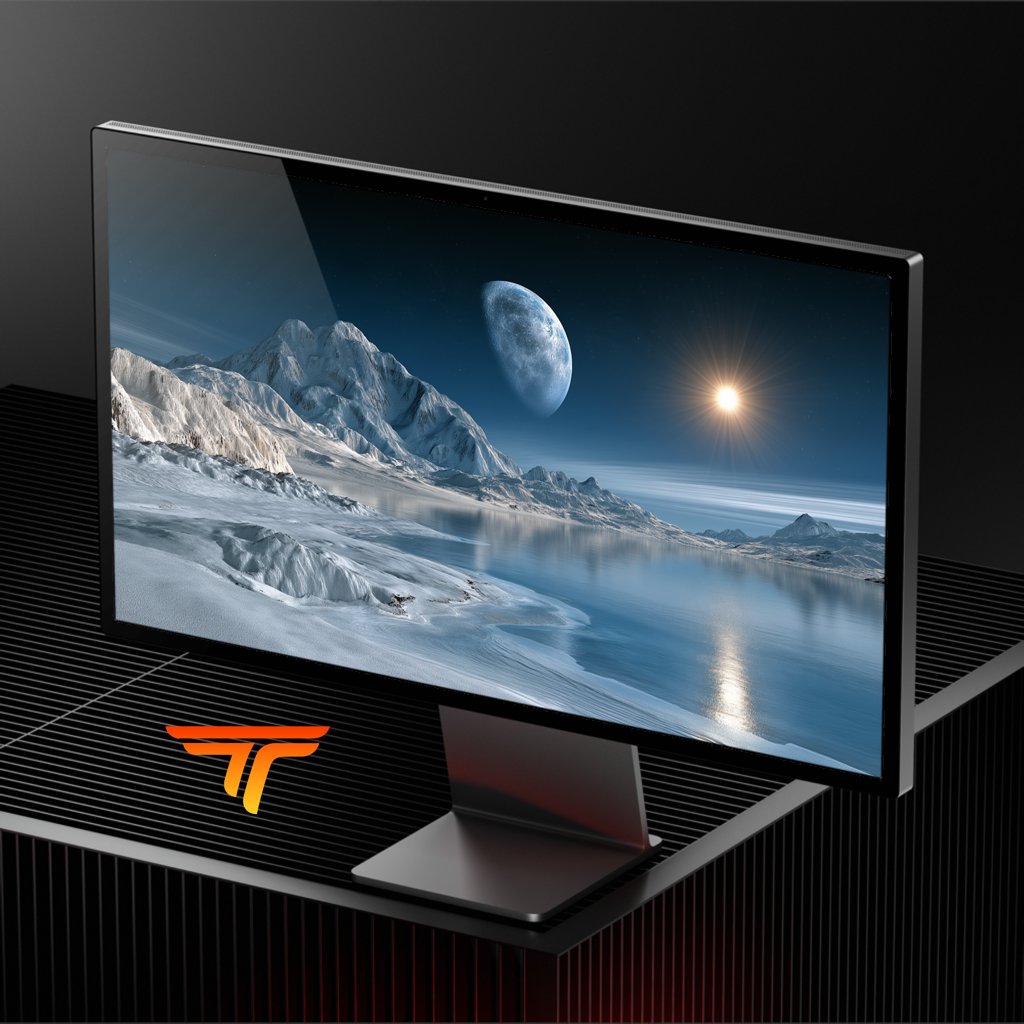
I showed this one on a desktop monitor, then shared the 3840×2160 wallpaper: a frozen lakeshore, snowy mountains, a large pale moon, and a low sun reflected on the water. I did not put a copyable recipe on that post at the time. Here is the prompt:
Digital 3D artwork of an alien arctic landscape beneath a dark blue sky filled with stars. a large crescent moon dominates the upper center sky, displaying detailed craters and a bluish hue. to the right, a bright yellow sun emits a sharp lens flare, casting a shimmering reflection across the calm, icy blue water below. rugged, snow covered mountains rise on the left, their white peaks showing sharp ridges and shadows. the foreground features icy, snow dusted terrain wrapping around a smooth bay that reflects the mountains, moon, and sun rays. low lying wispy clouds streak horizontally across the distant horizon. --ar 16:9
On an iPhone: This picture wants width. The lake, the sun's path on the water, and the moon-and-sun pair are a horizontal idea. You can try generating a tall cousin at --ar 9:20 with more sky at the top for the clock, but a crop will likely lose the shared sky. If that happens, leave this one on the desk. Download a ready widescreen wall from the desktop gallery, or use the 4K file from the 𝕏 post on your computer.
Journal #2 already covered nature and the moon as phone walls, and Journal #3 went to stars and planets. This note is only about fitting a desktop landscape onto a tall screen, or choosing not to.
When to point yourself back to desktop
If you only have time for one version this week, make the wide one, or skip generating and pick a free 16:9 download from the desktop gallery. That is the offering this week is meant to point you toward.
The desktop journal has the counts, the leftover prompt phrases, and what I would change next on a monitor.
FAQ
Should I reuse last week’s short phone prompts on these? No. Journal #4 already covered short lock-screen prompts. This week the words stay the desktop recipes; only the frame changes.
Where do I get the desktop files? timetravelwalls.com/desktop - free 16:9 downloads, with High Resolution through the Telegram links on that page.
What if my tool has no --ar flag?
Pick the tall phone size your tool offers (a 9:20 or 9:19 canvas) and keep the same subject words.
Until next jump, The Time Traveler
Finished wallpapers from this series live in my Etsy shop. Free 16:9 desktop downloads live in the desktop gallery.