
Four Short Wallpaper Prompts That Still Work
Four #PromptSHARE wallpapers that prove a prompt does not need to be long. I shared each one word for word and checked it against the image it made, with notes on why it works and what to change.
By The Time Traveler
Where these come from
#PromptSHARE began in 2023 as a daily series of camera-and-lens portrait prompts. By late 2024 it had become mostly phone wallpapers, and I tucked each prompt into its image's alt text. Journal #1 covered the abstract favorites, Journal #2 the elements, and Journal #3 left the ground for stars and planets. This one stays on the lock screen, but asks a different question: how short can a wallpaper prompt be and still earn a place on your phone?
I copied each prompt below exactly as I posted it, and each image shows what that prompt produced. These are Midjourney prompts. On Time Travel Walls I call the finished walls SI wallpapers - futuristic phone and desktop backgrounds built for a Super Intelligence mood, with the exact Midjourney text behind them.
What makes a short wallpaper prompt work
A short prompt leaves the generator room to invent. That is a strength when you want surprise, and a risk when you need control. Three habits help:
- One clear job. Name the subject or the mood in plain words. "Simulation," "rambunctious," "dark blue organic" each push the image hard in one direction.
- A quiet place for the clock. Dark fields, soft folds and open voids keep the lock-screen clock readable. Busy color without a calm band fights the UI.
- Save the long recipe for when you need it. When you want a specific structure, color pair and Midjourney settings, write them out. The fractal prompt below is the counter-example: length and parameters earn their keep.
1. We live in a simulation

Posted Oct. 12, 2024
We live in a simulation.
Why it works: Five words, no style tags, no camera names. The idea alone is enough. The generator answered with a tight blue-and-amber spiral of glowing particles, like a digital vortex on a dark field. The center sits below where a lock-screen clock usually goes, so the top stays quieter.
Try changing: the idea. "We live in a dream" or "We live in a glitch" keep the same short form with a new mood. Or add one color word: "We live in a simulation, deep violet."
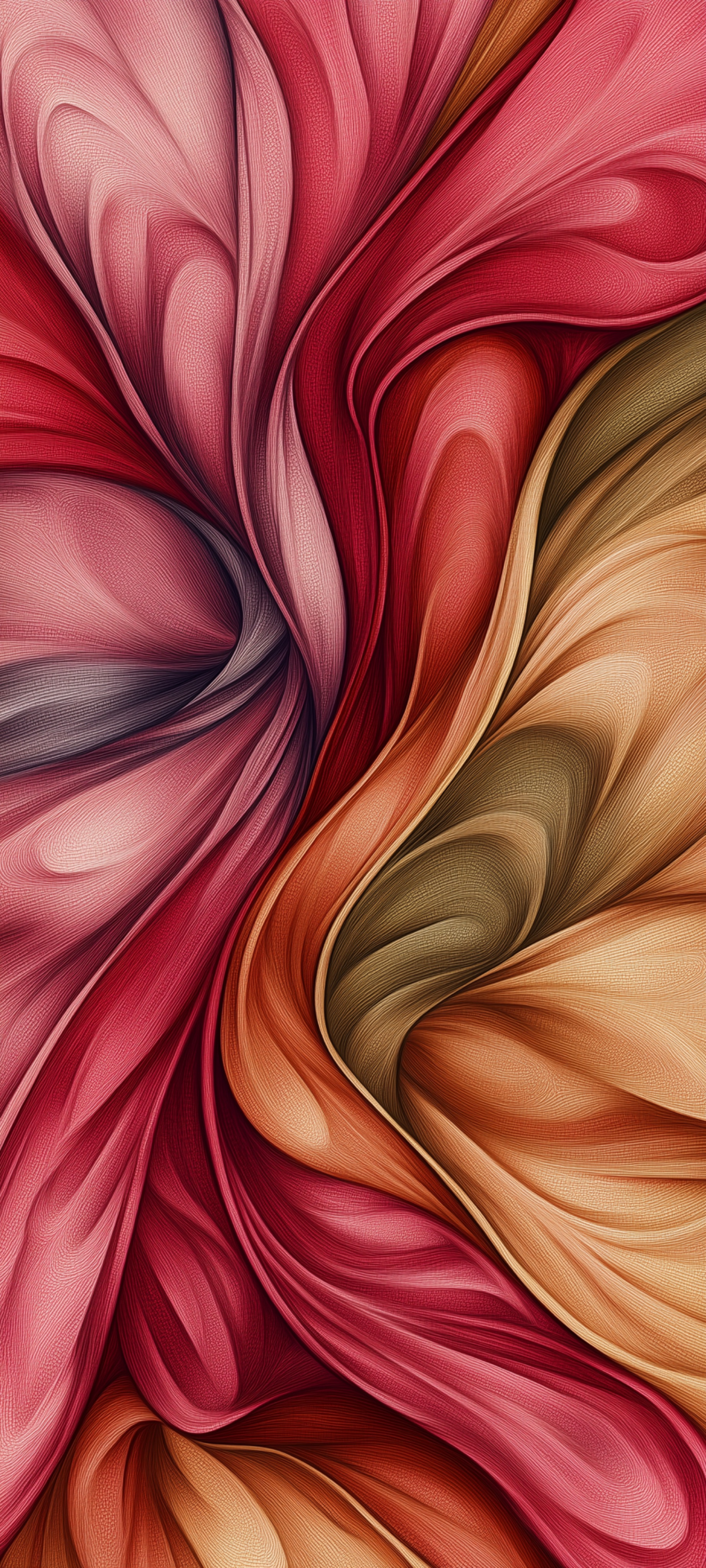
2. "Modern rambunctious iPhone wallpaper"
Posted Oct. 12, 2024
Modern rambunctious iPhone wallpaper
Why it works: "Rambunctious" is an unusual mood word, and it does most of the work. The result is a tangle of flowing folds in crimson, pink, ochre and olive, with a fine pebbled texture across every curve. "Modern" and "iPhone wallpaper" keep it aimed at a phone screen instead of a poster.
Try changing: the mood word. Swap "rambunctious" for "serene," "furious" or "playful," and leave the rest. Or drop "iPhone" and say "phone wallpaper" if you want a less brand-tied result.
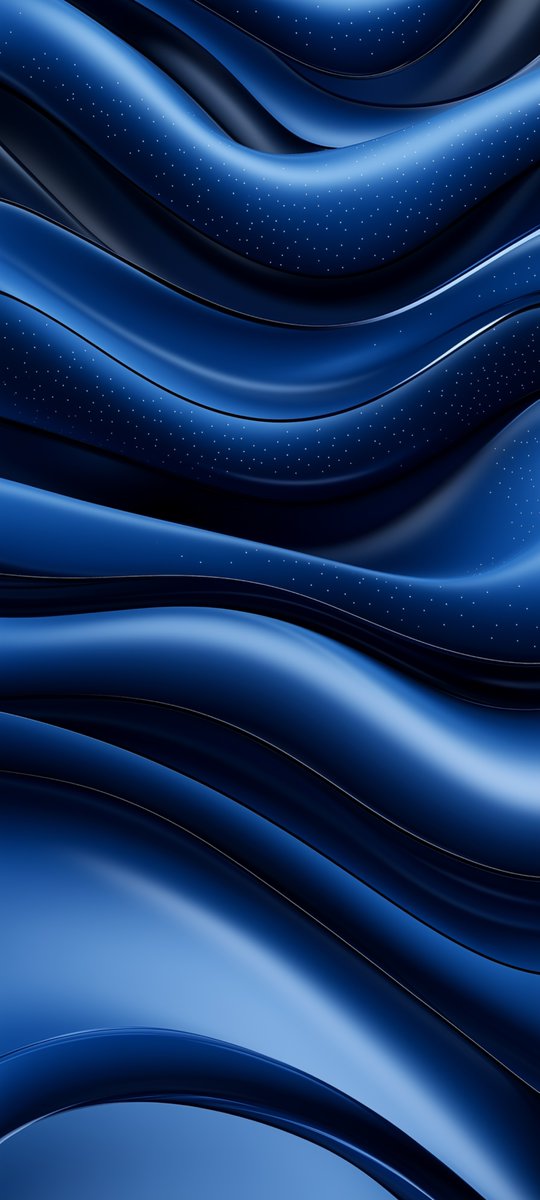
3. Dark blue organic background
Posted Oct. 14, 2024
Dark blue organic background.
Why it works: Four words name a palette, a feel and a job. "Organic" pushes soft curves instead of hard geometry. The image came back as stacked deep-blue wave folds, smooth as satin, with near-black shadows between the bands. It is calm enough for a night lock screen and still has shape behind your icons.
Try changing: the color. "Dark teal organic background" or "deep violet organic background" keep the same structure. For a harder look, swap "organic" for "geometric."
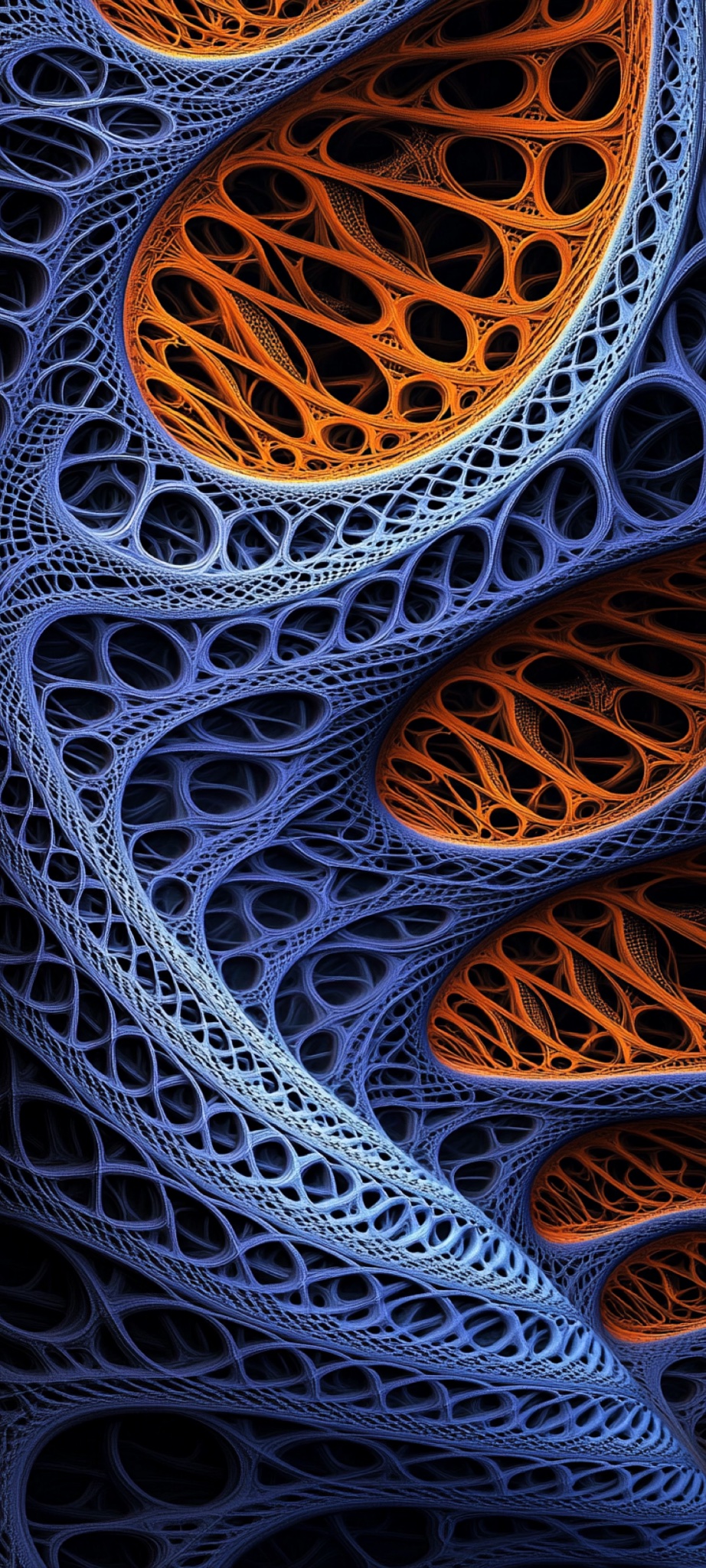
4. Fractal fantasy (the longer recipe)
Posted Nov. 29, 2024
fractal fantasy artwork by adriano roma, in the style of light orange and dark azure, twisted tangles, ruth sanderson, layered fabrications, lasar segall, precisionist lines, transcendentalist themes --chaos 25 --ar 9:20 --style raw --personalize 9ykiise --v 6.1
Why it works: This is the opposite lesson. The short prompts above leave the model free. This one locks color ("light orange and dark azure"), structure ("twisted tangles," "layered fabrications") and Midjourney settings (--ar 9:20, --chaos 25, --style raw). The result is a biomorphic blue-and-amber lattice, like porous bone or lace, with black voids that give the clock somewhere quiet to sit.
Try changing: the color pair first. Keep the artist and theme words, and swap "light orange and dark azure" for "mint and charcoal" or "gold and midnight." If your tool does not support --personalize, drop that flag and keep --ar 9:20. This prompt uses the version that made the image above. Midjourney keeps improving, so try a newer version number and compare.
Adapting these for a 16:9 desktop
This section is my suggestion. These changes were not part of the original posts.
I made all four for tall phone screens. For a widescreen monitor:
- Set the ratio. In Midjourney, add
--ar 16:9at the end. In the fractal prompt, replace--ar 9:20with--ar 16:9rather than adding a second flag. - Re-plan the layout. A tall spiral or stack of folds becomes a wide field. Try "spiral on the right, open dark space on the left" so desktop icons have room.
- Mind the screen edges. Leave a calm band at the top for the menu bar and an even texture at the bottom for the Dock or taskbar.
FAQ
When should I use a one-line prompt? When you want surprise and a strong mood. Short prompts are good for exploring. Run a few, keep the best, then edit one word at a time.
When should I write the long version? When you already know the color pair, the structure and the aspect ratio you need. Length pays off when you are steering, not searching.
Do these only work in Midjourney?
The first three are plain words with no Midjourney parameters, so you can try them in any image tool. The fractal prompt uses Midjourney flags (--ar, --chaos, --style, --personalize, --v); other tools set size and style in their own way.
Until next jump, The Time Traveler
Finished wallpapers from this series live in my Etsy shop.